

How it Works
What Is Helpline Software?
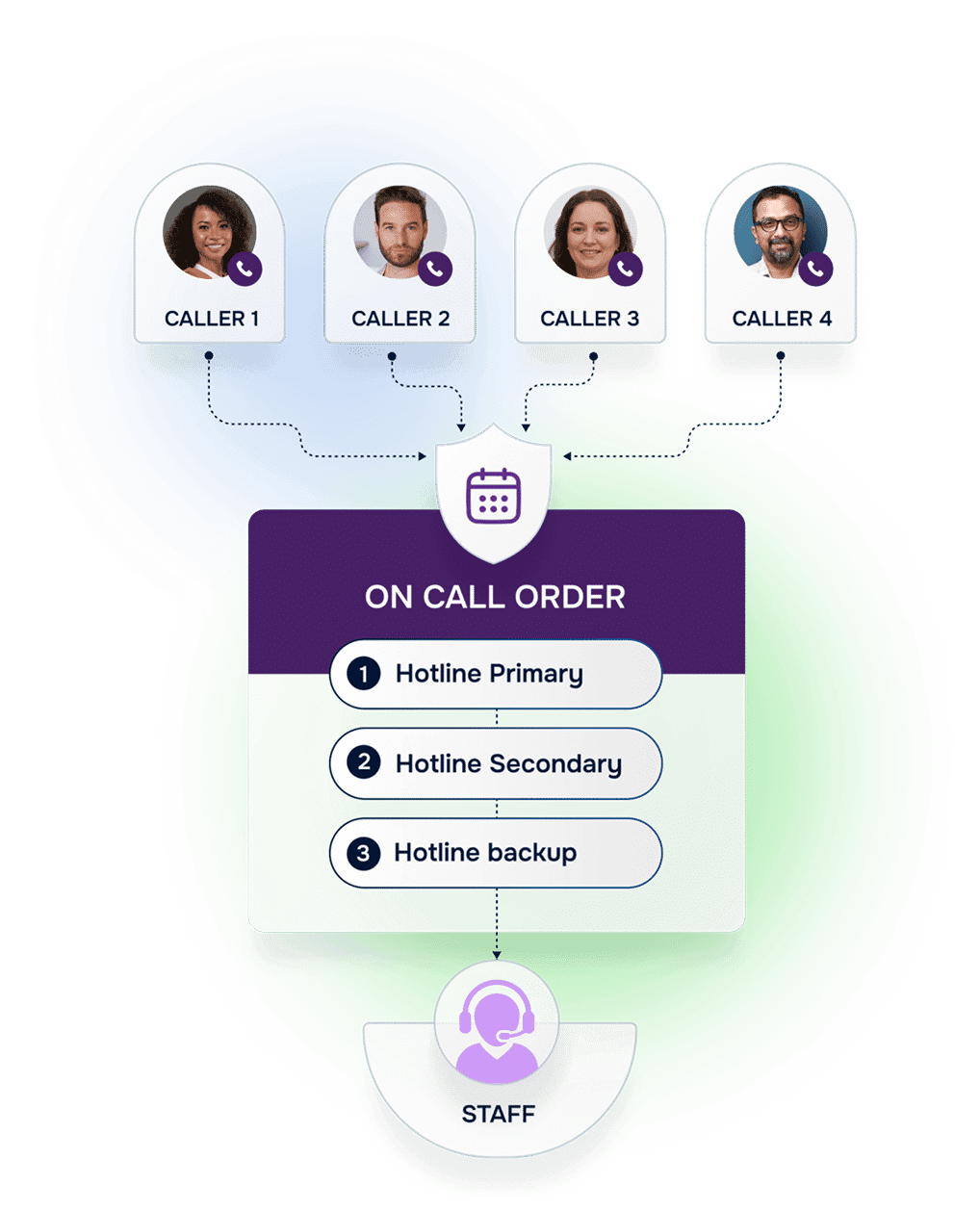
Helpline Software is a fully integrated system to manage your hotline, helpline, support line, or crisis line. We're purpose-built to manage all aspects of running your local, state, or nationwide line(s) – from scheduling and shift reminders to burnout protection reports.
Whether you run a mental health hotline, a domestic violence crisis line, or a multi-service helpline, our system supports your team behind the scenes, allowing them to focus on what matters most—helping people.
Helpline Software is designed to help ensure that no call is missed, and no volunteer or staff person burns out. Specify custom on-call orders, crisis callbacks, schedules, and more.
Concierge Onboarding
We get it – you're not tech savvy, but you know your line. That's why everything starts with concierge on-boarding. Just tell us your goals and we'll take it from there.
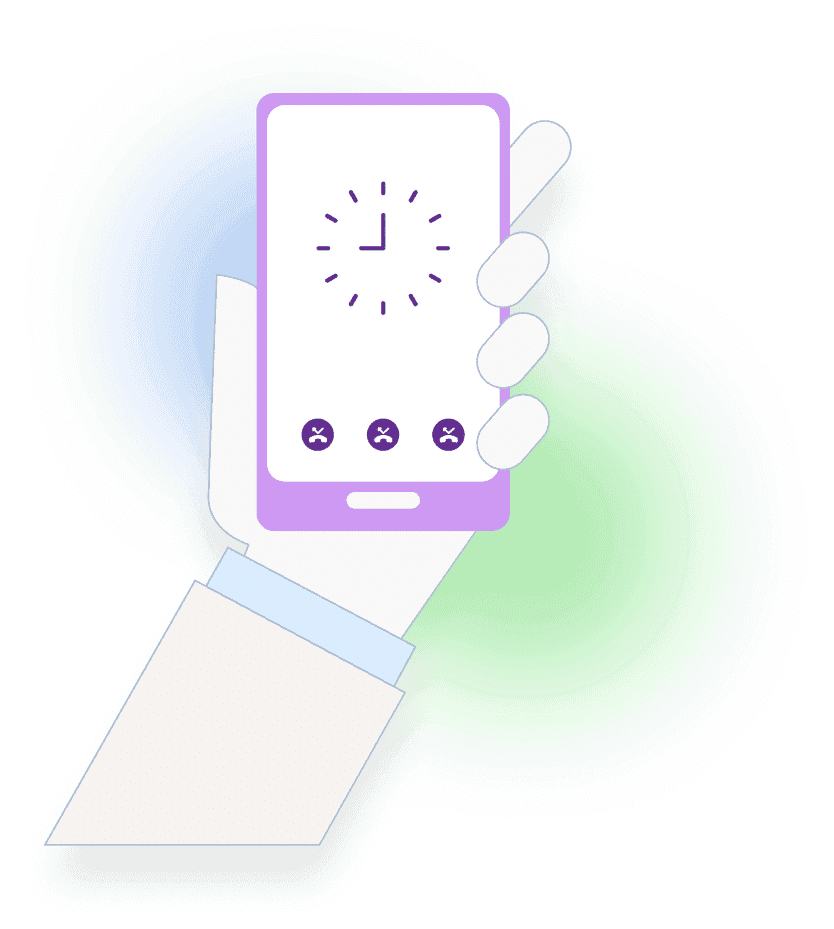
Do you want to ensure calls are never missed? Do you want to forward calls with multiple layers of backups? Do you want a replacement for your answering service? How about implementing a chat and text system, reducing burnout, or installing a custom system for your state or national hotline? Perhaps you want an industrial-strength anonymizer?
Just let us know. Each client is unique and receives a fully customized system tailored to their specific needs. You don’t pay unless it’s the perfect system for you.
What Happens
When Someone Calls?
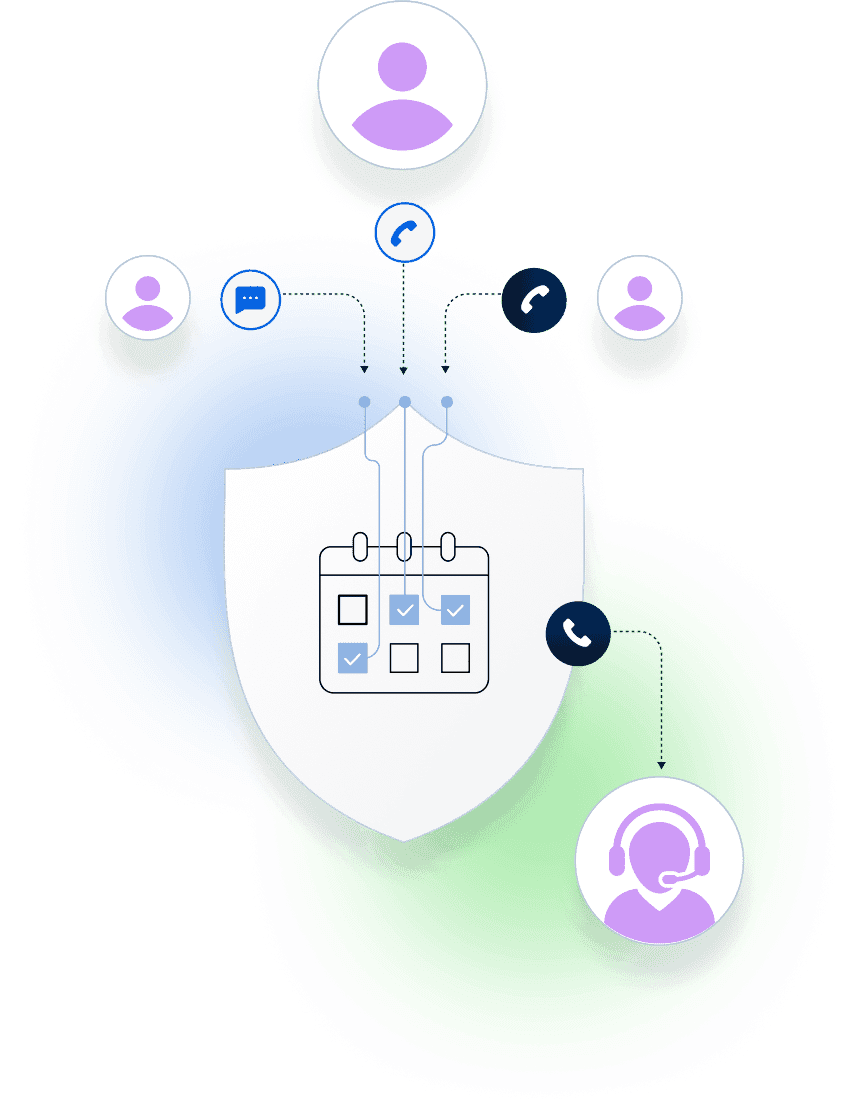
When someone calls your line, Helpline Software’s system gets to work right away. The call is anonymously (or not) logged and the system triages according to your policies to determine the best course of action. From there, calls are routed to the appropriate team member.
Without reliable software for call centers, teams often encounter common issues, including lost call data, long wait times, inconsistent responses, and staff burnout from trying to manage everything manually.
Crisis Center Workflow:
How Staff Use the Platform
Step 01
Admin input the schedules, and approve/deny any pending shift requests.
Step 02
Sit back and watch. When a new call, webchat, or text comes in the system will automatically follow your workflows. It’ll call agents on their cell-phones (or computers) according to your on-call orders and schedules.
How Staff Use the Platform
Before the Call
Staff log in (or can be automatically logged in according to schedules), and see their upcoming shifts. Call routing preferences and on-call orders are automatically applied based on admin instructions, ensuring coverage without the guesswork.
Key Features at a Glance
Our hotline software includes features built specifically for on-call response teams:

Custom
forms

Real-time
dashboards

Burnout
protection

Custom call routing
to browser and cell phone

Reporting
and analytics

Outcome
tracking
Why Leading
Centers Choose Us
Helpline isn’t just another call center software solution. It was developed in partnership with hotlines, helplines, and crisis lines to meet their unique demands. Our clients see:
- Faster response times and fewer dropped calls
- Consistent delivery of services across shifts
- Easier staff coordination and communication
- Stronger funding support through built-in outcome tracking
Whether you’re running a small hotline or a statewide or nationwide response network, Helpline Software scales to your needs and grows with your organization. You can always adjust your settings and add or omit features at any time.
The Software in Action

150% Money Back Guarantee
Try Helpline Software risk-free! If you're not satisfied within 30 days, we'll refund all your money—plus give you up to $500.
Offer void if not used within 90 days of contract effective date. Cancellation must be done in writing. Void where prohibited. No cash value unless required by law. Limit one per organization.
Frequently asked questions
›Can we keep our existing hotline number(s)?
Absolutely! You can keep your existing number(s).
›How long will it take for updates to the schedule to be reflected in call routing?
Updates to your shift schedule will instantaneously change the forwarding for all calls, chats and texts. No need to call anyone or send an email. Once you click save it’s there, and it’s working.
You’ll even be able to see that happen in real-time.
›Do you offer onboarding or training?
Yes, we'll train 1-3 key personnel and provide you with detailed onboarding materials that you can use to train everybody else.
›How will our personnel know they are receiving a hotline call vs a personal call?
Calls sent to your personnel will always come from the same Helpline Software number, unless you prefer something else.
Want to talk to an expert?
Free consultation from a hotline expert with 5+ years of experience.
15 minutes · No obligation